
Start
The demos
Open Start Here.unity in the kit folder, press Play, and pick one. A Start Here button in the corner of each demo takes you back.
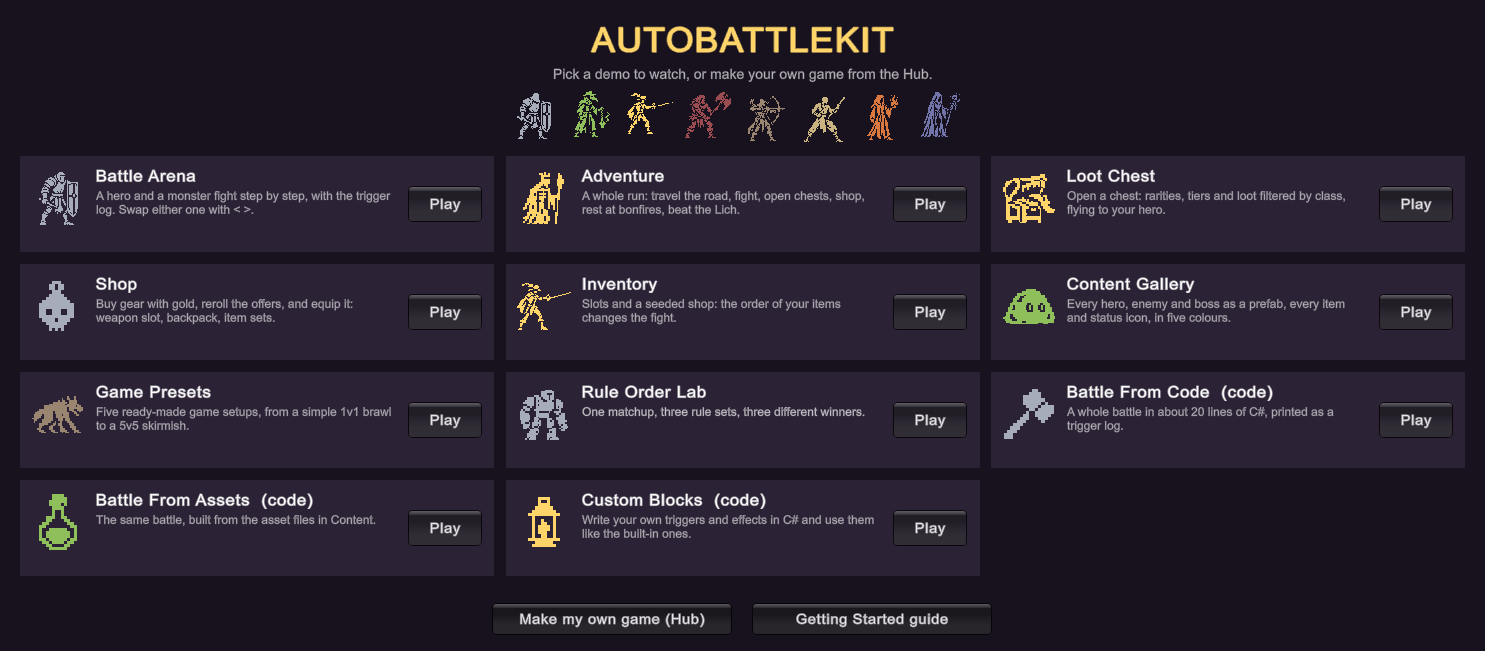
Each demo lives in Demos/<number> <name>/ with its scene, its scripts and a README. They all use the same heroes and enemies from Content, so what you change there shows up everywhere.
Watch battles
| Demo | Scene | What to try |
|---|---|---|
 01 Battle Arena 01 Battle Arena |
Battle Arena.unity |
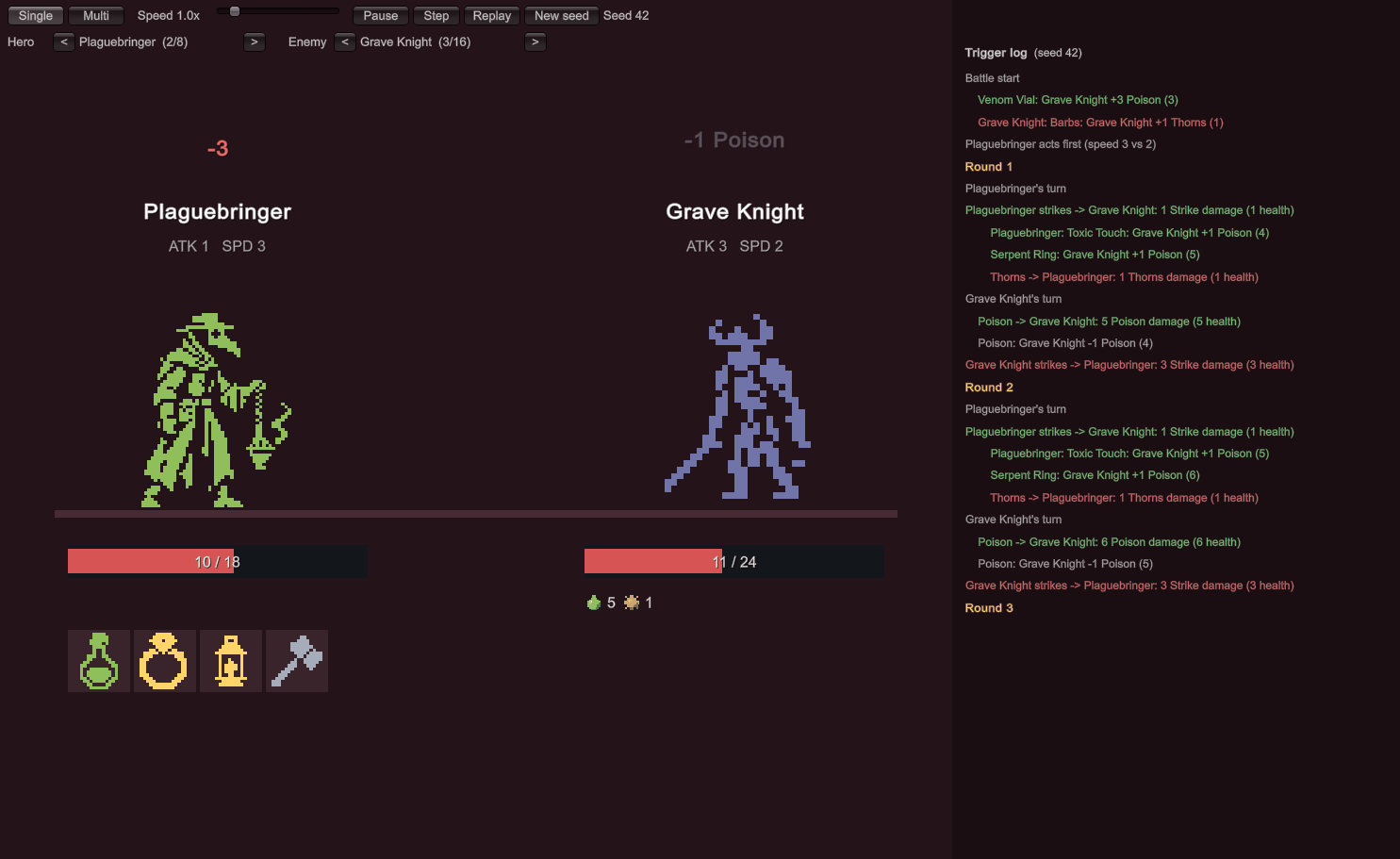
Pick any hero and enemy with < >. Multi runs a grid of the same fight on different seeds with a win/loss tally. Slow it down and read the trigger log. |
 Game Presets (10) Game Presets (10) |
Preset Arena.unity |
Switch between the six presets, flip through teams and enemies, and simulate 200 seeds of a matchup. |
 06 Rule Order Lab 06 Rule Order Lab |
Rule Order Lab.unity |
One matchup under three rule sets: the hero wins, it's a draw, or the enemy wins. |
Play a game loop
| Demo | Scene | What to try |
|---|---|---|
 02 Adventure 02 Adventure |
Adventure.unity |
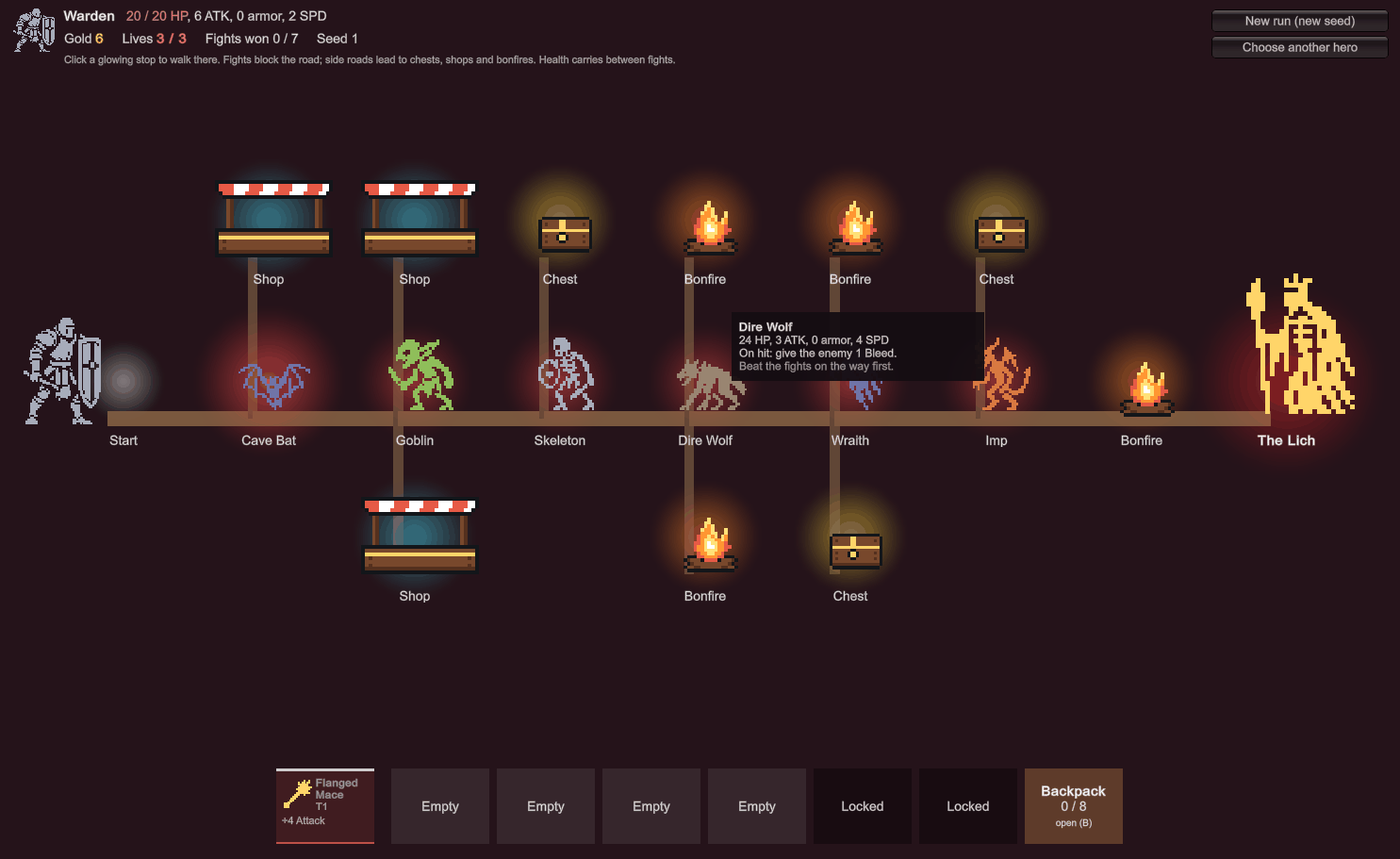
Pick a hero and Begin. Travel the road, fight, open chests, shop, rest at bonfires, and beat the Lich. |
| 03 Loot and Shop |
Loot Drop.unity, Shop.unity |
Open a chest at any level and send the loot to your hero. In the shop, buy, lock and reroll. Tick Grid backpack to place items by shape. |
 04 Inventory 04 Inventory |
Inventory.unity |
Rearrange the slots: the order of your items changes the fight. |
See the content
| Demo | Scene | What to try |
|---|---|---|
 05 Content Gallery 05 Content Gallery |
Content Gallery.unity |
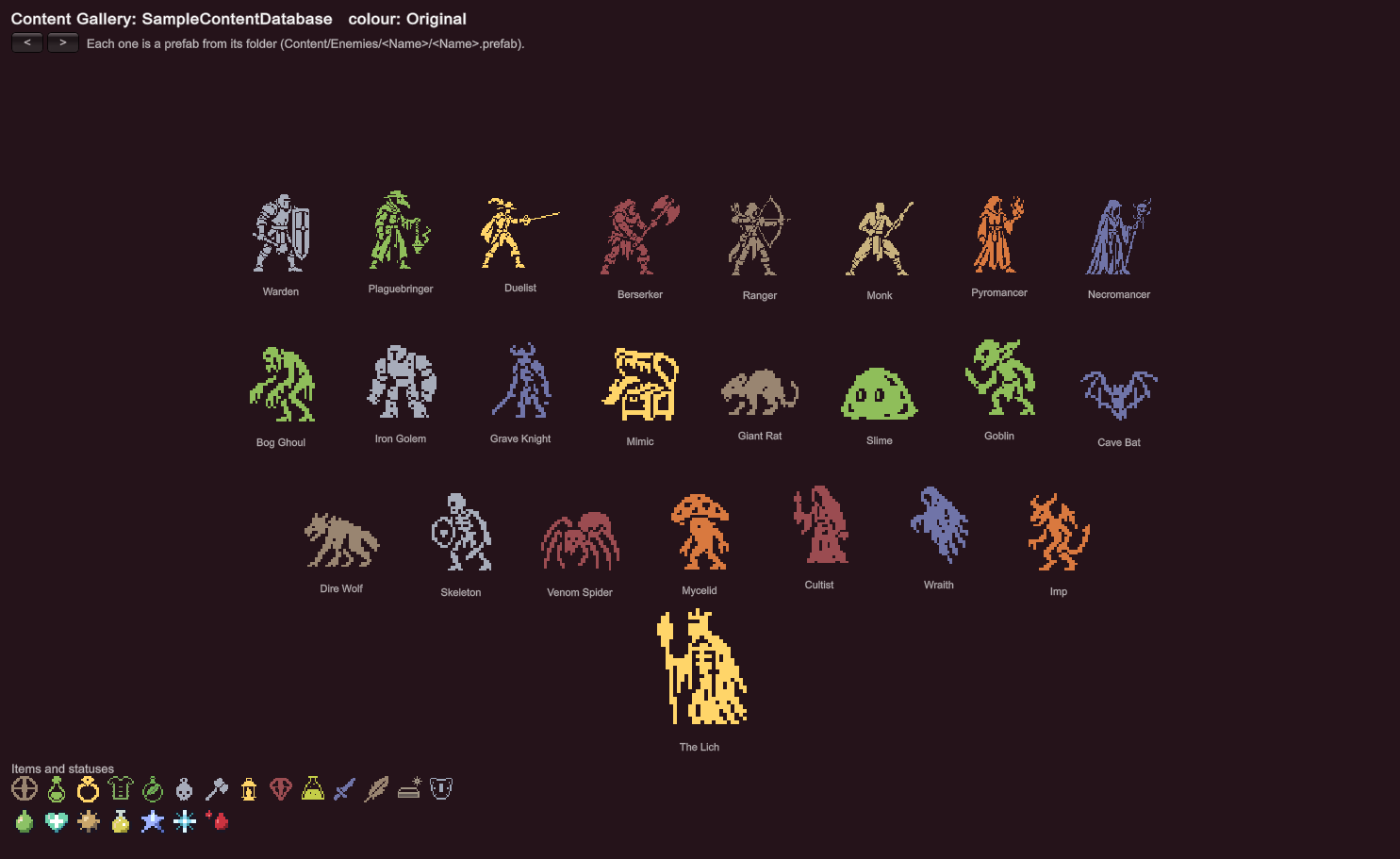
Every hero, enemy and boss as its prefab, and every item and status icon. The < > buttons switch all of them between the five colour variants. |
Read the code
These three print to the screen and the Console. Open their scripts to see how it's done.
| Demo | Scene | Script |
|---|---|---|
 07 Battle From Code 07 Battle From Code |
Battle From Code.unity |
AutoBattleDemo.cs: a whole battle from C# data in about 20 lines. |
 08 Battle From Assets 08 Battle From Assets |
Battle From Assets.unity |
AssetBattleDemo.cs: the same battle from the asset files in Content. |
 09 Custom Blocks 09 Custom Blocks |
Custom Blocks.unity |
Four custom blocks and a demo. See Custom blocks. |

Good to knowEvery demo scene can be rebuilt from Tools › AutoBattleKit › Demos › Rebuild All Demos. The Demos folder can be deleted once you've built your own scenes; the kit itself doesn't need it.